
Protecting Your Digital Information While Traveling
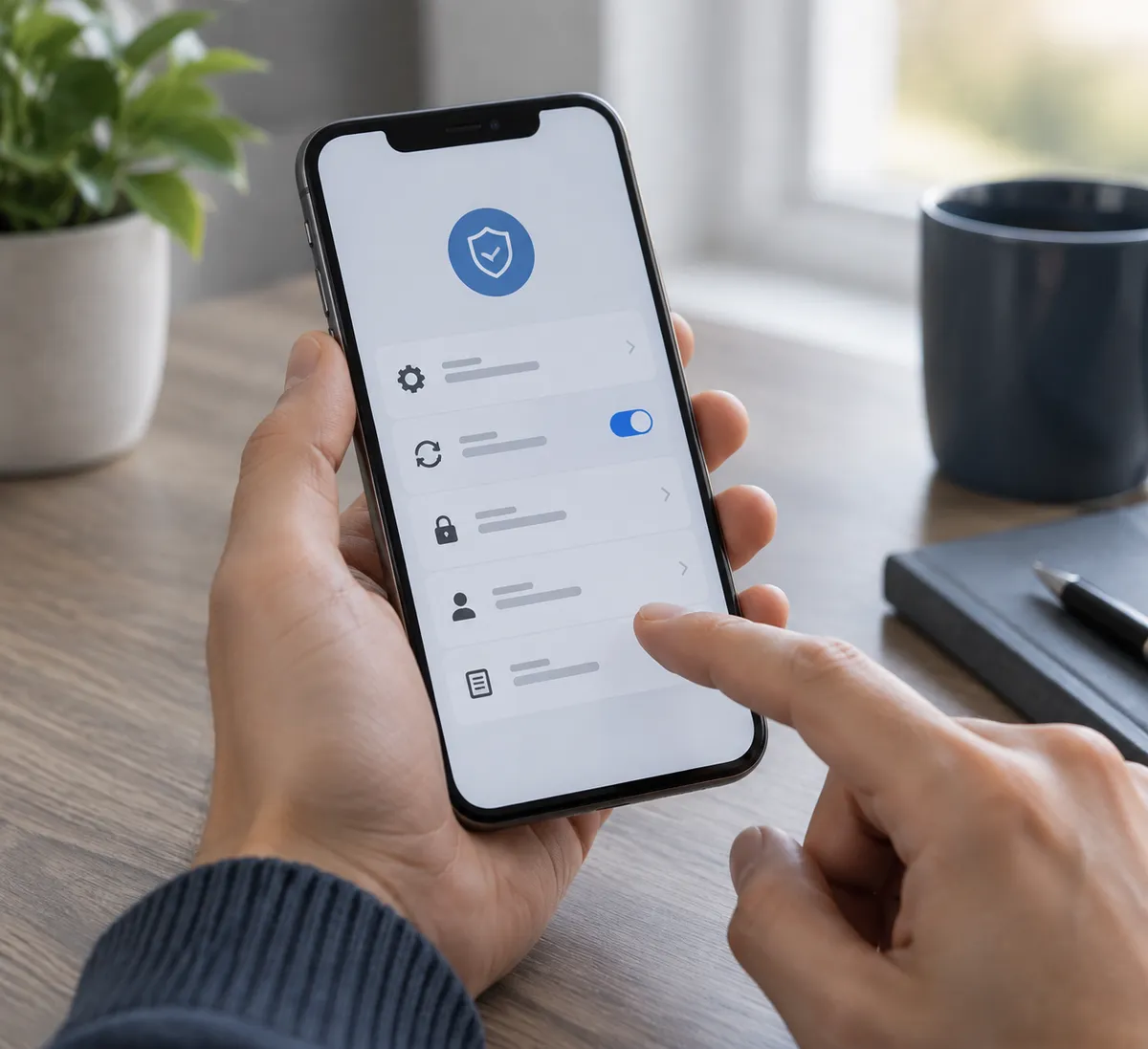
As summer travel heats up, many of us are packing our bags but might forget an important aspect: protecting our digital information. The Better Business Bureau has shared pivotal guidance on maintaining device security while you enjoy your vacation. Here’s a straightforward digital safety checklist to ensure your devices and personal data remain safe on your summer adventures.
1. Secure Your Devices Before You Leave
- Update Your Software: Ensure that your smartphones, laptops, and tablets run the latest operating system and app updates. These updates often include essential security patches that safeguard against vulnerabilities.
- Enable Passcodes and Biometric Locks: Set up strong passcodes, and if your device supports it, employ biometric locks (like facial recognition or fingerprints) to keep unauthorized users out.
- Activate Remote Wiping: Before you travel, enable a feature that allows you to remotely wipe your data if your device is lost or stolen. This could save your sensitive information from falling into the wrong hands.
2. Use Secure Connections
- Avoid Public Wi-Fi When Possible: If you can, steer clear of public Wi-Fi networks for critical activities, such as banking or accessing sensitive accounts. If you must use public Wi-Fi, be aware that it can expose your personal data to easy interception.
- Consider a VPN: A Virtual Private Network (VPN) can encrypt your internet connection, providing an additional layer of security when using unsecured networks.
3. Be Cautious with Charging Stations
- Use Your Own Charger: Opt for your charger and USB cable instead of public charging stations. These can be a hotspot for cybercriminals who implement "juice jacking" to steal personal data. If necessary, use an outlet or power bank instead.
- Purchase a Charging Lock: Consider investing in a charging lock that allows you to charge your mobile devices without compromising security.
4. Monitor Your Accounts
- Enable Two-Factor Authentication: For an added layer of security, enable two-factor authentication on your accounts. This means that even if a malicious party obtains your password, they still cannot access your account without a second form of verification.
- Regularly Check for Suspicious Activity: Frequently review your accounts while traveling, looking for any unexplained login attempts or abnormal transactions.
5. Be Mindful of What You Share
- Limit Social Media Posts: Consider holding off on sharing your travels in real-time. Publicly broadcasting your location can alert potential thieves that you're away from home.
- Use Travel Alerts Wisely: When using services that monitor your home when you're away, ensure that notifications are directed only to trusted contacts and not broadcasted publicly.
6. Know Your Scams
- Familiarize Yourself with Common Travel Scams: Educate yourself about prevalent travel scams that target personal data. Being forewarned about phishing attempts and other scams can help you stay one step ahead of fraudsters.
Conclusion
By following this digital safety checklist, you can significantly reduce the risks associated with traveling with your devices. From securing your network connections to being cautious with charging options and social sharing, implementing these strategies will help you enjoy your trip without the stress of digital security concerns. Stay safe and make the most of your summer travels!